+1 6477241694
 +44 2039 960 991
 +91 78900 99810
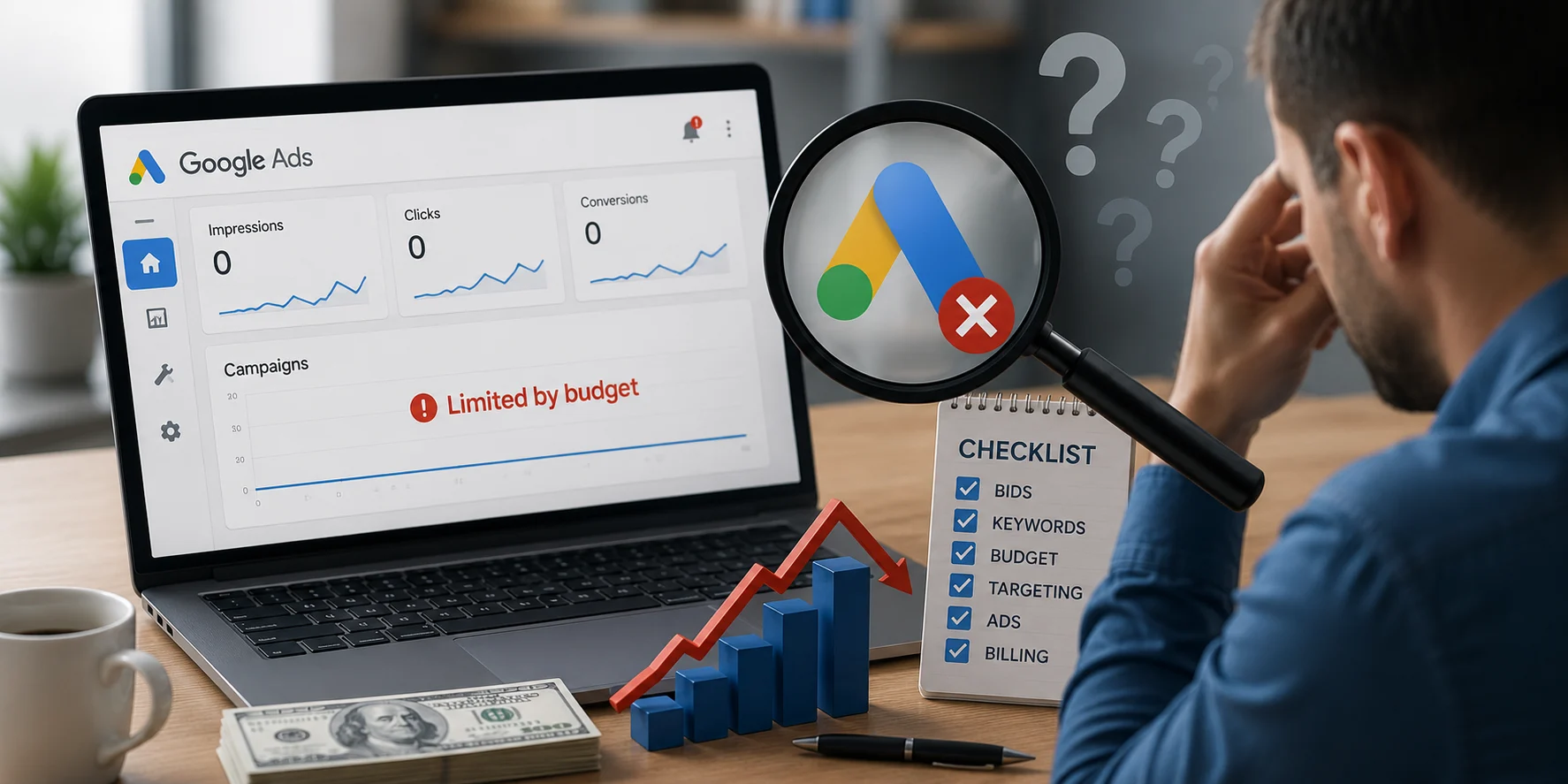
Google Ads not spending budget- one of the common pain points for many businesses. Just imagine you set up the ad with a healthy budget. You allocate enough budget. Still, it sat the entire week; there was absolutely no profitable spending. There were low impressions, no leads from phone calls or form fills, and even no website traffic.
If you want to fix the Google Ads campaign not spending issue, see beyond the budget itself. Start with fixing your bidding strategy. Review the ad disapproval and policy. You may need to review and loosen some of the stringent rules, such as strict target CPA and ROAS. Add some more keywords or expand the keyword match.
And if you need more insights into why Google Ads is not spending and what you can do, keep reading the blog.
Key Takeaways
- Google Ads are not spending the budget due to various reasons, including low bids, limited targeting options, policy violations, and bidding restrictions.
- The optimization of Google Ads campaigns has several aspects, such as keywords, targeting options, bidding strategies, approvals, and billing. A thorough review of these fundamentals is required before making any optimization assumptions.
- A well-optimized campaign gives Google more opportunities to meet its auction, spend the budget wisely, and acquire high-quality leads on a continuous basis.
| Reason Google Ads Isn’t Spending Budget | Why It Happens | How to Fix It |
|---|---|---|
| Low Bids | Your bid isn’t competitive enough to win auctions. | Increase your CPC bids gradually and monitor performance. |
| Learning Phase | Google is still collecting data after a new campaign or major changes. | Wait until the learning phase is complete before making more edits. |
| Wrong Bid Strategy | Automated bidding may not suit your campaign or available data. | Start with Maximize Clicks or Manual CPC, then switch later. |
| Low Search Volume Keywords | Not enough people search for your selected keywords. | Replace them with higher-volume, relevant keywords. |
| Restrictive Keyword Match | Exact Match limits the number of eligible searches. | Add Phrase Match or Broad Match keywords where appropriate. |
| Narrow Audience Targeting | Google has too few eligible users to show your ads to. | Broaden audience, demographic, or device targeting. |
| Small Location Targeting | Your target area doesn’t generate enough searches. | Expand to nearby cities or your full service area. |
| Too Many Negative Keywords | Relevant searches are accidentally being blocked. | Review and remove unnecessary negative keywords. |
| Ad Disapprovals | Google won’t serve ads that violate its policies. | Fix policy issues, resubmit the ads, or file an appeal. |
| Strict Target CPA or ROAS | Google becomes too selective about which auctions to enter. | Set targets close to your recent averages and adjust gradually. |
| Restrictive Ad Schedule | Ads only run during limited hours or days. | Expand your schedule to reach more potential customers. |
| Low Quality Score | Poor ad relevance reduces impressions and auction competitiveness. | Improve ad copy, keywords, and landing page relevance. |
| Missing Conversion Tracking | Google lacks conversion data for automated bidding. | Verify that conversion tracking is installed and working correctly. |
| Billing or Payment Issues | Failed payments or account problems pause ad delivery. | Update your payment method and resolve billing alerts. |
What Does Google Ads Not Spending Budget Mean?
Suppose your campaign has a daily budget of $75, but Google spends only $20 each day. If this consistently happens, you aren’t hitting your budget limit. Your ads receive very few impressions or clicks. This is what Google Ads not spending your budget means.
Google Ads is not able to spend your budget; there is not enough space to show your ads. There is a lack of eligible searches for Google to use your entire daily budget.
At TTC, we have managed PPC and Google Ads for various companies across industries. We have resolved many business issues like ‘ Why are my Google Ads not spending’
Here we will discuss all 12 fixes that we have applied for our clients.
Need Help With Google Ads?
Increase the Bids If It’s Too Low
Bidding is a crucial issue for the budget. If your Google ad has a budget issue, that means there are some. The bid determines how competitive your ad is in the auction.
If your maximum CPC is much lower than your competitors’, Google may not enter your ad into enough auctions.
Here is the fix:
Review your average CPC and Impression Share metrics. Adapt your Smart Bidding strategy by targeting the ROAS. This will signal to Google that your ads start entering more auctions. If your keywords are highly competitive, higher bids can help Google spend more of your daily budget.
Pro Tips
The new Bid Target Adjustment Tool will be available on July 6, 2026, and the bid changes take place on August 17, 2026. Google updated how Target CPA and Target ROAS campaigns work when they are “Limited by Budget.” If your Target CPA or Target ROAS campaigns ran low on budget often, you should review and change the settings now.
Read our blog on why your Google ads are wasting money.
Wait Until the Learning Phase is Over
When you launch a new campaign or make major changes, the smart bidding system will take time to learn this. Most modern campaigns in 2026 take almost 6 weeks to get over this learning phase. During this period, Google collects data. which users are most likely to convert. It may spend your budget cautiously while it’s learning. High-volume campaigns take 2 to 3 weeks, while low-volume campaigns take more time.
How to fix it:
Avoid making frequent changes to your campaign. This can be changing the ad copy, tweaking with budgte/bidding strategy, or resetting the keyword list; stay away from these changes quickly. Let Google finish the learning phase before evaluating performance.
Adjust Your CPA
An inappropriate bidding strategy can limit ad delivery. So, you have to work smart here. For example, let’s say your campaign has generated leads at an average cost of $75 each over the past month. But when setting up your campaign, you tell Google your Target CPA is just $30. Google will only bid on auctions where it believes it can get a lead for $30 or less. Those opportunities are limited, so your ads appear less often, and your daily budget remains largely unspent.
How to Fix:
Let’s say your plumbing business has been getting leads for around $55 each over the past month. Instead of setting your Target CPA to $25 immediately, start with a target close to your actual average, around $55 or $60. Once the campaign spends consistently and keeps generating leads, lower your Target CPA by about 10% every few weeks until you reach your desired cost.
Broaden Your Overly Strict Target ROAS
Setting an unrealistic Target CPA or ROAS signals Google to bid only when it can meet those goals. If your targets are too aggressive, Google may skip many auctions.
For example, imagine your store usually achieves a 350% ROAS, but you set a target of 800%. Google becomes extremely selective and skips many auctions because very few searches are likely to meet that goal.
How to Fix:
A better approach is to set your Target CPA or Target ROAS close to your actual performance over the last 30 days. Once the campaign starts spending consistently and collecting more data, gradually tighten your targets by around 10% at a time.
Replace the Low Search Volume Keyword
If you are using a keyword that has very few people searching for it, Google simply won’t have many chances to display your ads. Google Keyword Planner is a helpful tool here. Check out the monthly search volume your keyword has. Even with a large budget, there aren’t enough searches to spend it.
How to fix it:
Replace low-volume keywords with broader version keywords of your niche. Use terms that have higher search demand while remaining relevant to your business. Use Google Keyword Planner to identify better opportunities.
Expand Your Keyword Match
Using only exact match keywords can significantly limit the number of auctions your ads enter. Google only shows your ads for searches that closely match your selected keywords.
How to fix it:
Include Phrase Match or Broad Match keywords where appropriate. This allows your ads to appear for more relevant searches while still maintaining targeting accuracy.
Broaden Your Target If it’s Too Narrow
If you overly restrict your target, this will limit the spending.
For example,
- Showing ads only within a 2-mile radius
- Targeting only returning visitors who are also in-market for your service.
- Restricting your campaign to a very specific age group or device. Targeting only users aged 30–35 who use iPhones,
How to fix it:
Expand your targeting gradually. Test larger locations, broader audience segments, or additional devices to increase the number of eligible searches. However, make sure you know who your ideal audience is.
Review Ad Disapprovals, Policy Issues, and Account Suspensions
Ad account issues are a common reason for Google Ads not spending. If your ads violate Google’s advertising policies, this may lead to ad disapproval or account suspension.
They may stop serving completely or receive limited exposure. Google can’t spend your budget because your ads aren’t eligible to appear.
How to fix:
Keep a check on each ad. Keep a check on the flagged issues. Open your Google Ads account and go to Ads & assets. Check the Status column for any ads marked “Disapproved” or “Eligible (Limited).” Click on the policy details to see what caused the issue. Update your ad copy, landing page, or targeting so they comply with Google’s advertising policies, then resubmit the ad for review. Check the Policy Manager in Google Ads. Resolve any disapproved ads, update your landing pages if necessary, and appeal Google’s decision if you believe the rejection was made in error.
Remove the Restrictive Ad Schedule
If your ads only run during a few hours each day, Google has fewer opportunities to spend your budget. The reason may be that, during that time, only a little search activity happens. You may unintentionally exclude periods when your customers are actively searching.
How to fix it:
Review your ad schedule and compare it with your conversion reports. Expand your schedule to include more hours or days where relevant searches occur.
Say, you run Monday and Wednesday between 10am and 12pm. Don’t just keep it that way. Keep track of this. Review your schedule. Expand the days or hours your ads are active, especially while your campaign is still collecting data.
Try to increase the Ad Quality Score
Ad quality score is another crucial matter to consider. This is a basic. A low quality score makes it harder and more expensive for Google to show your ads. Even with a sufficient budget, poor ad relevance and landing page experience can reduce impressions.
How to fix it:
Improve keyword relevance, write compelling ad copy, and optimize your landing page experience. A higher Quality Score helps your ads compete more effectively while reducing costs.
Set Up Conversion Tracking Correctly
Many automated bidding strategies depend on accurate conversion data. If conversion tracking is missing or broken, Google doesn’t know which users are most valuable and may reduce ad delivery.
How to fix it:
Verify that conversion tracking is installed correctly and recording every important action, such as form submissions, purchases, or phone calls. Test your tracking regularly using Google Tag Manager or Google Ads diagnostics.
Expand the Location Targeting
If your campaign targets a very small location, Google may not find enough people searching for your products or services. Even with a healthy budget, limited search volume can prevent Google from spending it.
A few months ago, we audited a Google Ads account for a personal injury law firm. The firm served clients across the entire Dallas–Fort Worth metro area, but their campaign was targeting only one suburb because they believed it would improve lead quality.
The strategy sounded reasonable at first. They wanted to avoid paying for clicks outside their preferred service area and focus only on nearby prospects.
The problem? The suburb had a relatively small search volume for personal injury lawyers. Google simply couldn’t find enough eligible searches to spend the daily budget.
Our suggestion was straightforward. We decided to extend the target geographically and include several neighboring towns that have already accepted cases from the firm. Within a few weeks, we saw an increase in impressions and a significant rise in the campaign’s utilization of the daily budget. In addition, we saw a rise in qualified leads without a decrease in the quality of conversions.
How to fix it:
If your business serves a larger area, don’t limit your campaign to a location that’s too small. Give Google enough search volume to work with while still targeting customers who are likely to convert.
Instead of targeting a single neighborhood, include nearby cities, counties, or your entire service region.
Another example we can give here is a roofing company targeting only one ZIP code may struggle to spend its budget. Expanding the campaign to cover the entire city or surrounding suburbs gives Google more opportunities to show the ads.
Verify Your Payment and Billing Method
Billing issues can cause Google to withhold the ability to show your ads at all. It can happen due to expired payments, declined bank transfers or cards, or account billing problems.
How to resolve the issue:
Verify billing settings in your Google Ads account. There should be no billing problems or inactive payment methods. Check if there are any pending charges or billing issues.
Make Sure There Are Not Too Many Negative Keywords
Negative keywords allow you to exclude irrelevant searches, but there is a catch. Too many negative keywords (or the wrong ones) can reduce the effectiveness of your campaign.
The best way to prevent this situation is to periodically review your negative keyword list to make sure that it does not contain keywords that can affect the quality traffic that your campaign attracts.
Another option is to examine the Search Terms Report on a regular basis. This report contains a list of queries that actually appear in the search results and click on your ad; thus, you may consider adding some of them as valid keywords if they bring value to your campaign.
A simple example might illustrate the idea. Suppose you sell custom office furniture. If you add the word office to your negative keyword list, Google will stop showing your ad to people searching for terms such as custom office desk or office furniture near me.
Fix the Ad Copy Relevance
Your ad copy should closely match your keywords and the user’s search intent. If your ads are not relevant, Google may assign a lower Quality Score, making it harder for your ads to compete in auctions.
How to fix it:
Rewrite your headlines and descriptions so that they include your key phrases and make it clear what you are offering. Your landing page must fulfill the promise of your ad by providing exactly what you said it would provide. Relevant ads tend to get shown more often by Google, making it easier to get your money’s worth out of Google AdWords.
For example, if someone searches for “emergency plumber near me,” an ad highlighting “24/7 Emergency Plumbing Services Available!” would be more relevant to the search than an ad with a headline such as “Professional Home Services.” Ads that are more relevant to the search are likely to get more impressions, clicks, and therefore, more of your advertising budget spent.
Final Thought
Understaning Google Ads campaign doesn’t always mean there’s a lack of demand. In most cases, it’s a sign that something is limiting your campaign—from bidding strategy and targeting to policy compliance or account settings. The sooner you identify the root cause, the sooner you can start using your budget to attract qualified leads instead of letting it go to waste.
Google Ads not spending your budget? TTC can help you find the cause. Book a free consultation now!
Struggling With Google Ads?
Frequently Asked Questions (FAQs)
How long does it take for Google Ads to start spending?
It depends on your specific campaign, but if you have a new campaign or it’s been changed recently, there is a possibility it’s in a learning phase, and this process may take from several days to a few weeks, depending on how many conversions you get. As you can see, there are plenty of potential reasons why your Google Ads campaign isn’t spending. In case something is wrong with your campaign, make sure you don’t change anything too often, give it some time, and analyze the stats.