+1 6477241694
 +44 2039 960 991
 +91 78900 99810
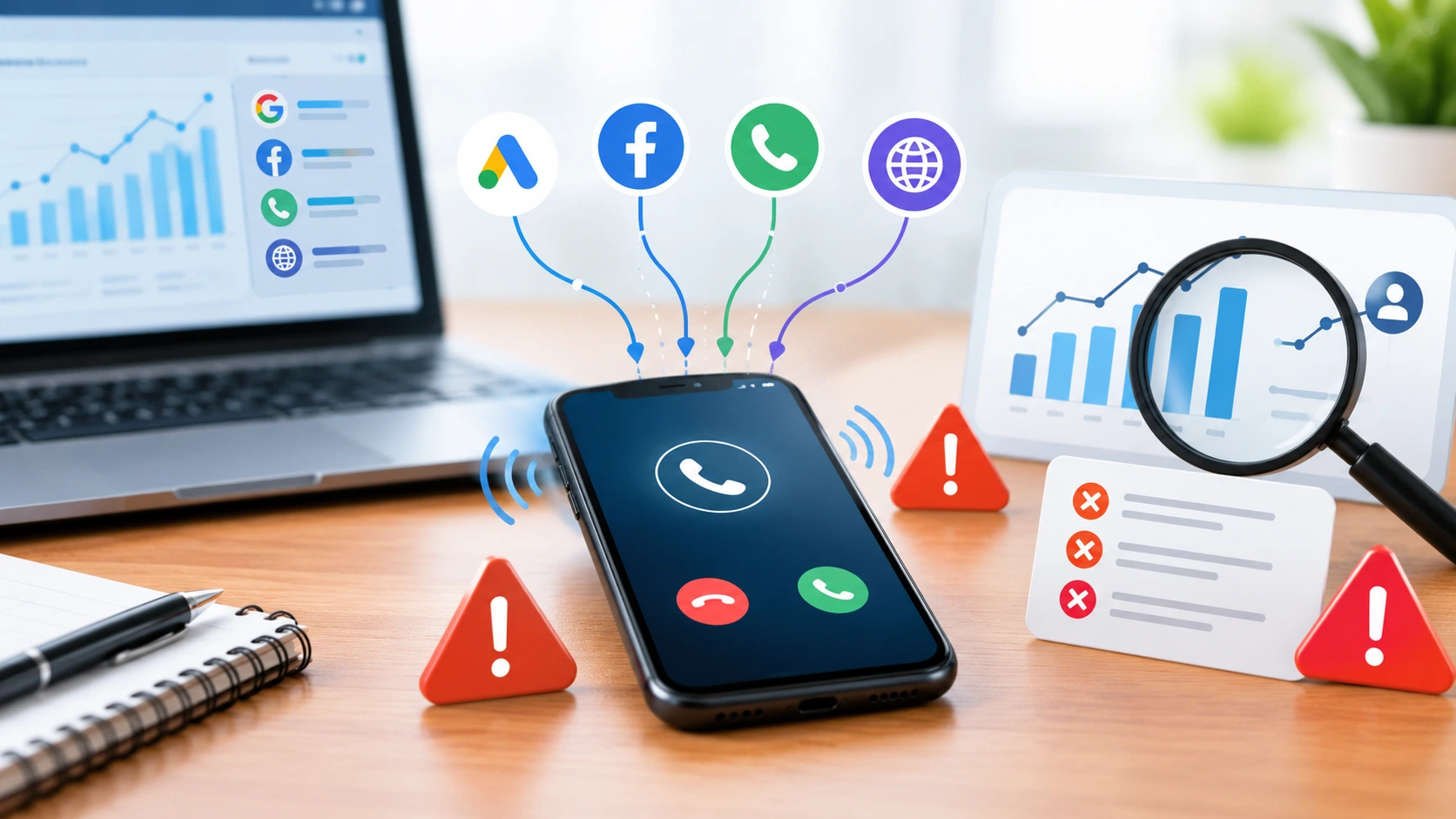
Some very common call tracking mistakes can affect your call lead attribution. It is surprising to know that most lead attribution problems are not caused by missing data. Most businesses, especially for the first time, count the calls in the wrong way.
As marketing experts, we have taken up the task in hand for detailed investigation. So, we have noticed several call tracking errors, that may go easily un-noticed- Treating all call as a lead or not blocking the spam calls or not adding the call tracking analytics in the marketing data, these issues can only affect the ROI. When you get caught up in this trap, you will see only the loss of revenue.
In this blog, we will share the crucial call tracking mistakes and fixes.
Key Takeaways
- Accurate call tracking helps you understand which marketing campaigns generate genuine leads.
- Common setup mistakes, such as duplicate conversions and unfiltered spam calls, can distort your reports.
- Dynamic number insertion and separate tracking numbers help you identify where calls originate.
- Connecting call tracking with Google Ads, GA4, and your CRM helps you measure qualified leads and sales.
- Regularly review your tracking setup, fix attribution gaps, and use reliable data to improve campaign performance and marketing ROI.
Common Call Tracking Mistakes and Their Fixes
| Call Tracking Mistake | How It Affects Lead Attribution | How to Fix It |
| Treating every call as a lead | Inflates lead numbers with spam, wrong numbers, and short calls. | Filter spam and set minimum call duration and lead qualification rules. |
| Counting the same lead twice | Makes conversion numbers look higher than they are. | Remove duplicate conversions using phone numbers, session IDs, or CRM records. |
| Including internal and test calls | Distorts campaign performance reports. | Exclude staff numbers, office IPs, and test calls where supported. |
| Not setting up dynamic number insertion (DNI) | Makes it difficult to identify which ads, keywords, or pages generated calls. | Set up DNI across relevant website pages. |
| Using a tracking number pool that is too small | Can assign calls to the wrong traffic source. | Size the number pool based on peak concurrent website traffic. |
| Loading the DNI script too late | Some calls may use the default number and remain unattributed. | Install and test the script across all relevant pages and devices. |
| Sharing one number between Google Business Profile and website | Makes it harder to compare calls from local search and website visitors. | Use separate tracking numbers for each channel and retain the original business number as an additional number on the profile. |
| Ignoring offline marketing channels | Makes it difficult to measure calls from print, radio, direct mail, and other offline campaigns. | Assign unique tracking numbers to individual offline campaigns. |
| Not importing offline conversions into Google Ads | Google Ads may optimise for call volume instead of qualified leads or sales. | Import qualified leads, booked appointments, and sales from your CRM or tracking platform. |
| Using inconsistent reporting settings and campaign names | Creates mismatched reports and makes lead sources difficult to identify. | Standardise reporting periods, time zones, campaign names, and UTM tags. |
| Poor call routing | Leads to long wait times, repeated transfers, and missed opportunities. | Route calls by location, area code, ZIP code, or business hours. |
| Judging calls by volume instead of intent | Gives equal weight to low-quality inquiries and serious buyers. | Review call outcomes, summaries, and caller intent to identify qualified leads. |
| Missing after-hours calls | Causes potential customers to contact competitors. | Set up after-hours routing, voicemail alerts, or an answering service. |
Problem 1: Treating Every Call as a Lead
Businesses, especially new ones that have just started a campaign, make this drastic mistake. They count wrong numbers, spam, robo calls, sales callers, and 10-second hang-ups; they count it all. Such mistakes make weak campaigns look profitable. It actually wastes your resources and time.
Fix: Set a minimum call length. Filter spam. Use an advanced call tracking system and define a lead by what your sales team qualifies.
Problem 2: Counting the Same Leads Twice
If a native Google Ads conversion and a GA4 import both track the same call, one lead becomes two. All tracking metrics can go wrong. Your cost per lead looks half of what it really is. And guess what? You will be bidding on the fake volume.
For example, if one person calls you 3 times, or reloads the same page 3 times, you can’t count that as 3 leads.
Fix: Track by phone number, session ID, or contact in CRM, and tag as new, returning, or existing customer before reporting. Just remember one thing, Google tag manager mistakes can also break the conversion tracking.
Problem 3: Leaving in Internal and Test Calls
Not all the calls you get are from customers trying to contact you. The people answering your phones may call tracking numbers to see which extension they can reach or which calls go unanswered. If you count these calls as leads, the number of leads you report will be much higher than the actual number of callers.
This can also distort your marketing results. For example, if your campaign generates 20 calls but five are internal tests, you have only 15 genuine calls to review. Counting all 20 may give you an inaccurate picture of campaign performance and lead attribution.
Fix: Exclude office IP addresses, phone numbers of employees, and test campaigns from your reports in case your tracking platform allows for that. Mark your test calls and check the call reports frequently so as to distinguish between internal calls and those coming from customers.
Problem 4: Fail to Set Up DNI
Another common call metrics setup mistake is ignoring dynamic number insertion. It means that you will not be able to know from which ad, keyword, or web page your call came. You might end up eliminating an advertisement that pays for your living and funding one that just window-shops.
Fix: Set up dynamic number insertion (DNI) on your website. Use DNI on your website. You will have the ability to show a tracking number according to the traffic that is directed from the particular source, campaign, or keyword. That’s how you can know about the source of the call and can distribute your budget wisely.
Problem 5: Using a Call Tracking Number Pool That Is Too Small
Dynamic number insertion uses a pool of tracking numbers to connect website visitors with their traffic sources. If the pool is too small, the system may reuse a number while another visitor is still browsing the site. This can link a call to the wrong campaign, keyword, or traffic source. As a result, your reports may show inaccurate lead data. This will lead to inaccurate call lead attribution.
For example, a plumbing company gets a surge of website visitors after launching a Google Ads campaign. Its tracking number pool cannot handle all visitors at once. When two visitors see the same number, a call from one visitor may be attributed to the other visitor’s traffic source. The company may then struggle to identify which campaign generated the lead.
Fix: Size your tracking number pool based on peak concurrent website traffic, not just daily visitor numbers. Check the call volume during the peak period and expand the pool if the numbers are being recycled too rapidly.
Problem 6: Loading the Dynamic Number Insertion Script Too Late
Dynamic number insertion must load at the right time to replace your website’s default phone number with the correct tracking number. If the script loads too late, visitors may see the default number before the swap happens. If the script is missing from some pages, calls from those pages may not be attributed to the right source. This creates gaps in your reports. It also creates difficulty in getting real insights into your campaign performance.
Here is one example: a dental clinic has different landing pages for Google AdWords campaigns, organic, and local traffic. The tracking code works fast on the home page but is slow on the pages that offer services. Some people will get the regular telephone number of the clinic and will call before the tracking number shows up. The result is no tracking of the calls to the right campaigns.
Fix: Make sure that the dynamic phone number swap is installed on all relevant webpages. It is important to make sure that the phone number is swapped even before the user uses it. Keep checking the percentage of success of phone number swapping on various pages and devices.
Problem 7: Sharing one number between your Google Business Profile and website
Call tracking metrics setup can go wrong here. Many businesses share the same tracking code for their Google Business Profile as well as for their website. With one shared number, you cannot tell which one brings better leads. Your GBP is the local storefront, and your website is the online visibility and sales tool. When you use the same number, you cannot track which setup will work better and bring in high-quality leads.
Fix: Put a tracking number in the primary phone slot of your profile. This will track leads and conversions. Move your original number to the additional phone slot. That’s how you can maintain NAP consistency. Track calls from each channel separately to identify your strongest lead sources and make better marketing budget decisions.
Problem 8: Ignoring Offline Channels
Many businesses still use print, radio, TV, direct mail, and vehicle wraps- meaning offline marketing. They prioritize these as they bring calls too. This is definitely a good strategy until businesses fail to use offline campaign performance metrics. Without separate numbers, they get mixed with organic or referral calls. It basically misleads your report, or you may end up wasting your budget.
Fix: Give each offline campaign its own number so those leads show up beside your digital data. Get a complete vision of offline and online.
Problem 9: Lack of Offline Conversions Import into Google Ads
If Google Ads only tracks that a call happened, it cannot tell which calls turned into real business. The service will be focused on receiving more calls rather than searching for potential buyers. Thus, you risk wasting money on ineffective campaigns.
For instance, a dental clinic uses Google Ads to get more clients. The first campaign gives a high number of calls, but most of them want to know the price only and do not make an appointment. In the second campaign, the number of calls is lower, but people call and then book a visit. Without using the offline conversion data, Google Ads may promote the first campaign because it sees a higher number of calls.
The Fix: Import offline conversions into Google Ads from the CRM or another call tracking tool. Measure the outcomes such as quality leads, appointments, or purchases. By sending them back to Google Ads, you provide it with additional information to optimize the campaign effectively.
Read our blog on fixing the Google ad conversion tracking.
Problem 10: Messy UTM and Campaign Names
The use of different reporting periods, time zones, and campaign names within Google Ads, call tracking tools, GA4, and CRM can affect your ability to analyze the reports easily. Absence or inconsistency in using UTM tags can also lead to confusion about which campaign has resulted in call or lead generation. This will impact your ability to rely on the reports and make the right marketing decisions.
For instance, a business analyzes its performance in Google Ads in the past 30 days while analyzing its call tracking for 90 days. It also has different campaign names and UTM tags in different channels. This results in inconsistency in lead numbers.
The Fix: You need to ensure that you have the same reporting period and time zone in all your tools. You also need to ensure that you have a standard naming rule for campaign names and UTM tags across all marketing channels.
Problem 11: Lack of Proper Call Routing
Improper call routing is another common call tracking setup issue. Due to improper call routing, your customers may have to face long wait times. It can also cause repeated transfers and frustrated callers.
The Fix: Route by location, area code, zip code, or time of day. Send your high-intent ‘emergency’ callers straight to your best closer. Many advanced call tracking or marketing tools are available that come with advanced features.
Problem 12: Judging Calls by Volume, Not by Call Intent
Volume tells you your marketing is loud, not that it is profitable. Businesses can lose valuable sales opportunities when they treat every inbound call equally. Without a clear process to assess lead quality, sales teams may waste time on calls that are unlikely to convert.
Fix: Look at call length and call summaries. Use speech analysis to flag words like ‘quote,’ ‘price,’ ’emergency,’ or ‘book appointment.’ Short calls often mean junk leads or poor routing.
Problem 13: Missing After Hours Call
Companies may lose out on prospects when phones go unanswered after business hours. If callers are greeted with an empty voicemail and no immediate callback, they may look for help elsewhere. The result is the loss of business opportunities.
While after-hours calls can lead to valuable contacts, mishandling calls could cost businesses that prospect. If someone hears no response from a voicemail, they may exit before a call back and seek another vendor.
An example would be a plumbing operation that receives a late-night emergency call. With no one to answer, the caller leaves a voicemail. And if the message is not checked until morning, the customer may have hired another plumbing service.
Fix: Implement an after-hours call routing system to send calls directly to someone who is available. You could also use voicemail messaging services that send messages via email or text to alert your staff whenever a call comes in.
Final Thought
Proper call tracking does not mean only counting more phone calls. It suggests trusting the phone calls counted. First, fix your counting rules, then move on to numbers. Next, ensure your connections to software (CRM) and revenue work properly. Only after that can the assumptions about what campaigns are effective give way to a properly distributed budget.
Every detail counts, from the filtering of spam calls to the introduction of dynamic numbering and recording of quality calls. Regularly audit your call tracking system to ensure it is consistently reporting accurate data.
Are tracking mistakes affecting your marketing ROI? Speak with our expert to improve lead attribution and make smarter marketing decisions!
Frequently Asked Questions
How do I make sure my call tracking is accurate?
The following steps should be taken in order to ensure call tracking accuracy: eliminate spam and internal calls, remove duplicate conversions, and define your lead qualification criteria. Dynamic number insertion is mandatory for call tracking.
Why do I need dynamic number insertion for my call tracking?
Dynamic number insertion (DNI) will display unique tracking numbers depending on the visitor's source or campaign. This is how you will be able to track ads, keywords, and webpages from which people are calling. Without DNI, it might be hard to measure campaign effectiveness.
How can call tracking help save money in marketing?
With call tracking, you will be able to track which campaigns get calls and which calls turn into qualified leads/sales. Analyzing this data will help you minimize spending on campaigns generating low-quality leads and increase spending on marketing channels targeting potential customers.
How often should I check my call tracking setup?
You need to check your call tracking setup at least once a month and when you introduce a new campaign or update your website. This is to ensure that there are no double conversions, issues with the tracking numbers used, or incorrect information regarding the campaigns being tracked.